Signs to notice
A learner may have trouble forming letters, spelling or organizing ideas. They may tire quickly or avoid writing.
Look for difficulties that continue over time. Messy handwriting alone does not mean a learner has dysgraphia.
 GraphiScan

Handwriting screening & expert review
Understand handwriting concerns.
Work together to support each learner.
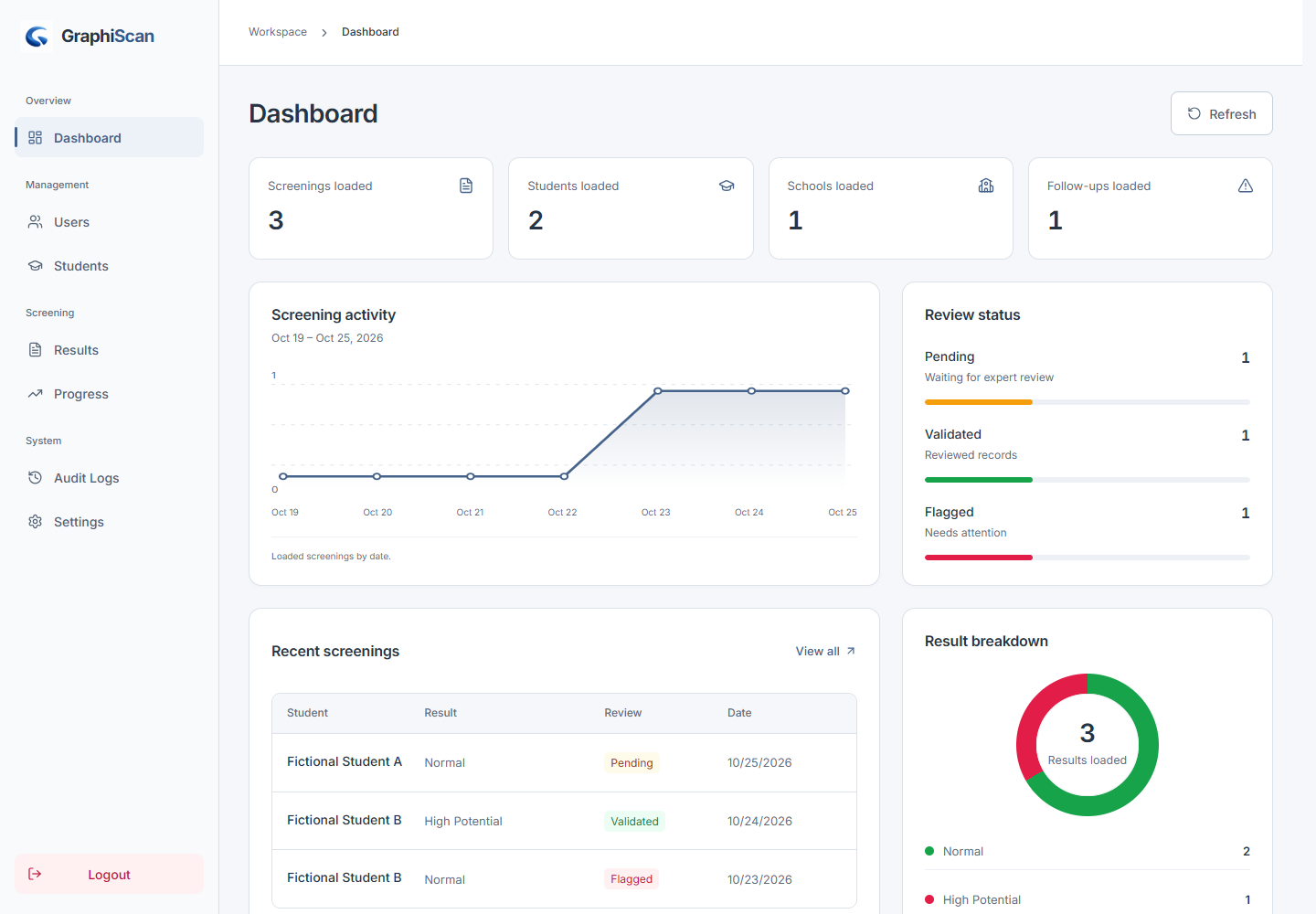
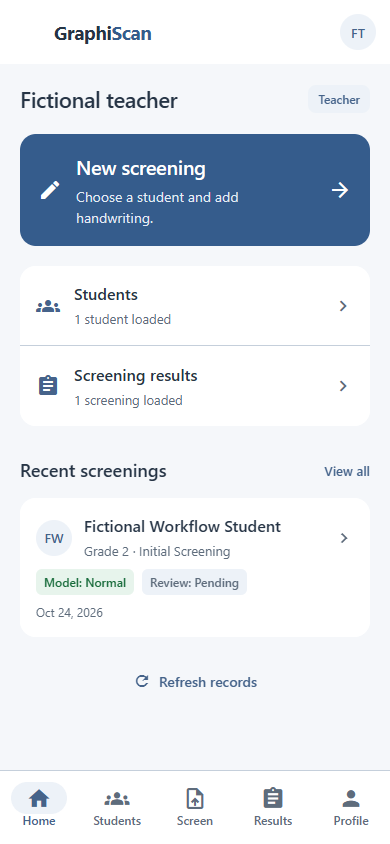
Teachers upload handwriting photos for the learners assigned to them. An account is required.
Dysgraphia makes writing difficult. It can affect how a learner forms letters, spaces words and puts ideas on paper.
It does not reflect a learner’s intelligence. Different learners need different kinds of support.
A learner may have trouble forming letters, spelling or organizing ideas. They may tire quickly or avoid writing.
Look for difficulties that continue over time. Messy handwriting alone does not mean a learner has dysgraphia.
Writing difficulties can have several causes. A qualified professional can look at the learner’s writing and learning needs.
If the difficulties continue, speak with their teacher and ask about an educational assessment.
Support may include writing lessons, changes to classwork or tools such as typing and speech-to-text.
Teachers, families and specialists can choose support together and check how it is working.
Upload handwriting photos for your assigned learners and keep their screening records together.
No. GraphiScan supports handwriting screening and expert review. It does not replace a professional assessment.
Teachers, experts and linked parents use the mobile app. Administrators use the web workspace. The project focuses on Grades 1–3. You need an account to sign in.
Parents can read reports only for children linked to their account, and only while the expert review is marked Validated.
The Android app is not ready to download yet. When a release is available, the download page will show the link and installation steps.
The app uses sign-in, record-access checks and private image storage. This website shows example records and has no learner upload form. Read the data-use information for the current scope.