
GraphiScan
for Android.
Handwriting screening and expert review.
Coming soon
The download will be available here when the Android release is ready.
Download for AndroidSign in with a GraphiScan account provided to you.
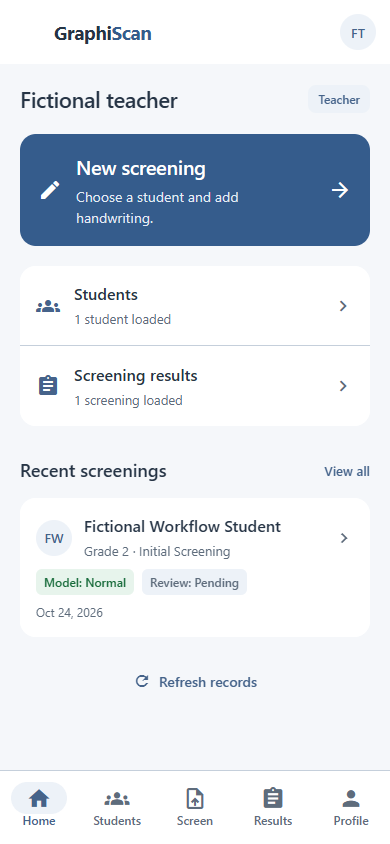
How to install the app
- 01
Download
Save the Android app file (APK).
- 02
Open
Open the file on your Android phone.
- 03
Install
If Android asks, allow this download source to install the app.
- 04
Sign in
Use the GraphiScan account provided to you.
Screening does not provide a diagnosis.